

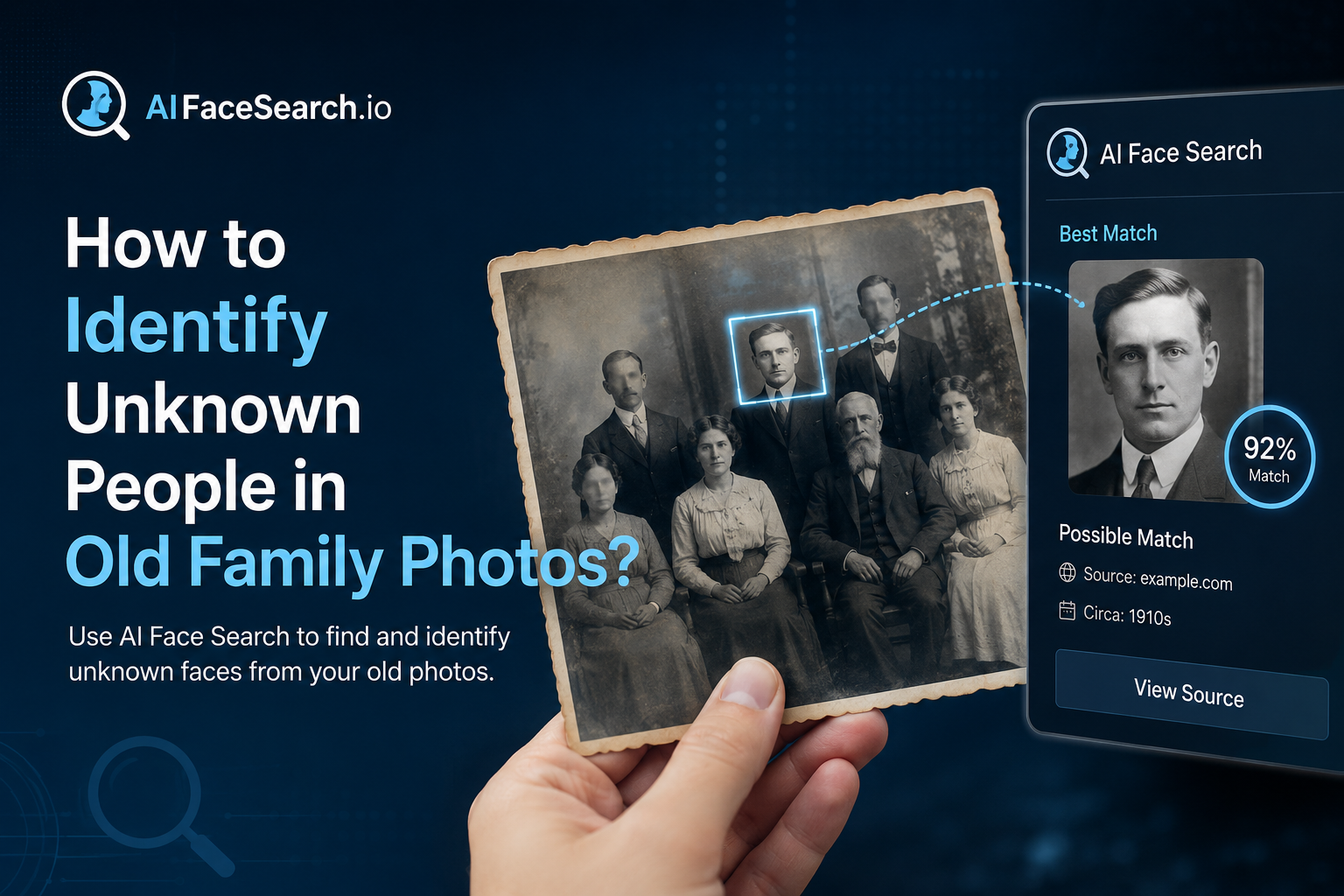
How to Identify Unknown People in Old Family Photos?
That box of unlabeled family photos doesn’t have to stay a mystery. Here’s how facial recognition and a few genealogy research habits can help you put names to faces.
Almost every family has one: a shoebox, album, or digital folder full of old photographs with no names attached. A wedding portrait from the 1940s. A group photo at a reunion where only half the faces are familiar. A childhood picture of a grandparent, unrecognizable except for a family resemblance you can’t quite place. For most of history, solving these mysteries meant relying entirely on living relatives’ memory — and once that generation is gone, so is the context. Facial recognition technology has become a genuinely useful new tool for this specific kind of research, one that major genealogy platforms have invested in heavily over the past few years.
Why This Has Become Easier in the Last Few Years?
At RootsTech, the world’s largest family history conference, recent sessions have focused heavily on how artificial intelligence and facial recognition are changing photo-based genealogy research. Major platforms including Ancestry and FamilySearch have built facial recognition directly into their tools, allowing users to scan a photo collection and receive suggested matches against other photos already tagged with names in a family tree. This is a meaningful shift from just a few years ago, when identifying a face in an old photo depended almost entirely on someone in the family remembering it correctly.
From Manual Comparison to Structural Matching
Older approaches to this problem — squinting at two photos side by side, trying to judge whether a nose or jawline matches — are subjective and unreliable, especially across large age gaps. Modern facial recognition tools instead map the geometric relationships between facial features (the distance between the eyes, the shape of the jaw, the position of the cheekbones) and compare that structure across photos, which tends to hold up better across decades of aging than a purely visual comparison does.
Step-by-Step: Identifying Faces in Your Old Photos
1. Digitize and Prepare Your Collection First
Before running any kind of facial recognition search, physical photos need to be scanned at a reasonably high resolution — genealogy specialists commonly recommend a minimum of 600 DPI to preserve enough facial detail for reliable analysis. Handle original prints carefully (cotton gloves are a common recommendation to avoid oil and dirt damage) since many of these images are irreplaceable.
2. Start With Photos You Can Already Identify
Facial recognition tools work by comparison, so they need a starting reference point. Begin by tagging photos of relatives whose identities you’re already confident about — the more tagged, known photos of a person you have across different ages, the more reliable the software becomes at recognizing that same person in an unlabeled photo, including much older or younger versions of their face.
3. Run Reverse and Structural Face Comparisons on the Unknowns
Once you have a base of known, tagged faces, the unidentified photos can be checked against that library. Several tools approach this differently:
Try Face Search Now!


- Family-tree-integrated tools (like those built into major genealogy platforms) suggest matches directly from your own tagged photo collection and cross-reference against your existing family tree data.
- Cross-user matching tools allow you to opt in to compare your unidentified faces against photos shared by other genealogists — useful when a mystery relative might appear in a different branch of the family’s photo collection, one you don’t have access to.
- General-purpose face and reverse image search tools can help in a different way: checking whether a specific photo (or the person in it) appears anywhere else online, which is particularly useful for photos that may have been published historically — in a newspaper, a yearbook, or a public archive — even if no living relative has ever seen that specific print.
4. Cross-Reference With Non-Photographic Clues
Facial recognition works best as one signal among several, not a standalone answer. Genealogists specializing in old photo identification recommend combining any facial match with:
- Clothing and fashion dating. Clothing styles, hairstyles, and photographic formats (tintype, cabinet card, Polaroid, etc.) can narrow down a rough time period.
- Photographer’s studio marks. Many older prints include a studio name or location stamped on the back or border, which can be cross-referenced against business records to narrow down when and where a photo was taken.
- Family tree context. If facial recognition suggests two photos show the same person, check whether the estimated ages and time period are even plausible given what you know about that relative’s life.
5. Treat Software Suggestions as Leads, Not Verdicts
Every genealogist who has worked extensively with these tools makes the same point: manage your expectations. AI face match performs best on high-quality, front-facing photos and becomes noticeably less reliable with blurry images, extreme angles, or very low-resolution scans. A suggested match is a strong lead worth investigating further — checking against other records, asking older relatives, cross-referencing dates — not a final, unquestionable identification.
What to Do Once You’ve Identified a Face
Document Your Sources
When you do confirm an identification — whether through facial recognition, a relative’s memory, or supporting records — write down how you reached that conclusion. Future researchers in your family (including future you) will want to know whether an ID is a confirmed fact or an educated guess.
Build a Simple Organization System
Genealogy researchers who’ve been through large unlabeled photo collections consistently recommend setting up a naming or tagging system as you go, rather than waiting until the end. Once photos are re-boxed or re-filed without names attached, you’re back to square one — which, for many people, is exactly how they ended up with an unlabeled collection in the first place.
Share Findings With Extended Family
Photo identification projects often benefit enormously from wider family input. A cousin or distant relative may have a labeled version of the exact same photo, additional context about the event pictured, or a stronger memory of a specific relative’s appearance at a particular age. Cross-user genealogy photo tools exist specifically to make this kind of extended-family collaboration easier, even among relatives who’ve never met.
A Realistic Set of Expectations
Facial recognition has meaningfully lowered the barrier to solving old family photo mysteries, but it isn’t magic. It performs best when you already have a reasonably well-documented family tree and a decent number of confidently identified reference photos to compare against. For very old, low-quality, or heavily damaged images — and for people who left little to no photographic record at all — some mysteries will likely remain mysteries. Even so, for the enormous number of “who is this?” photos sitting in family collections worldwide, this technology has turned what used to be dead ends into genuinely solvable research questions.
Discusion
ALPHANo comments yet
Be the first to share your thoughts on this article!